What you'll learn
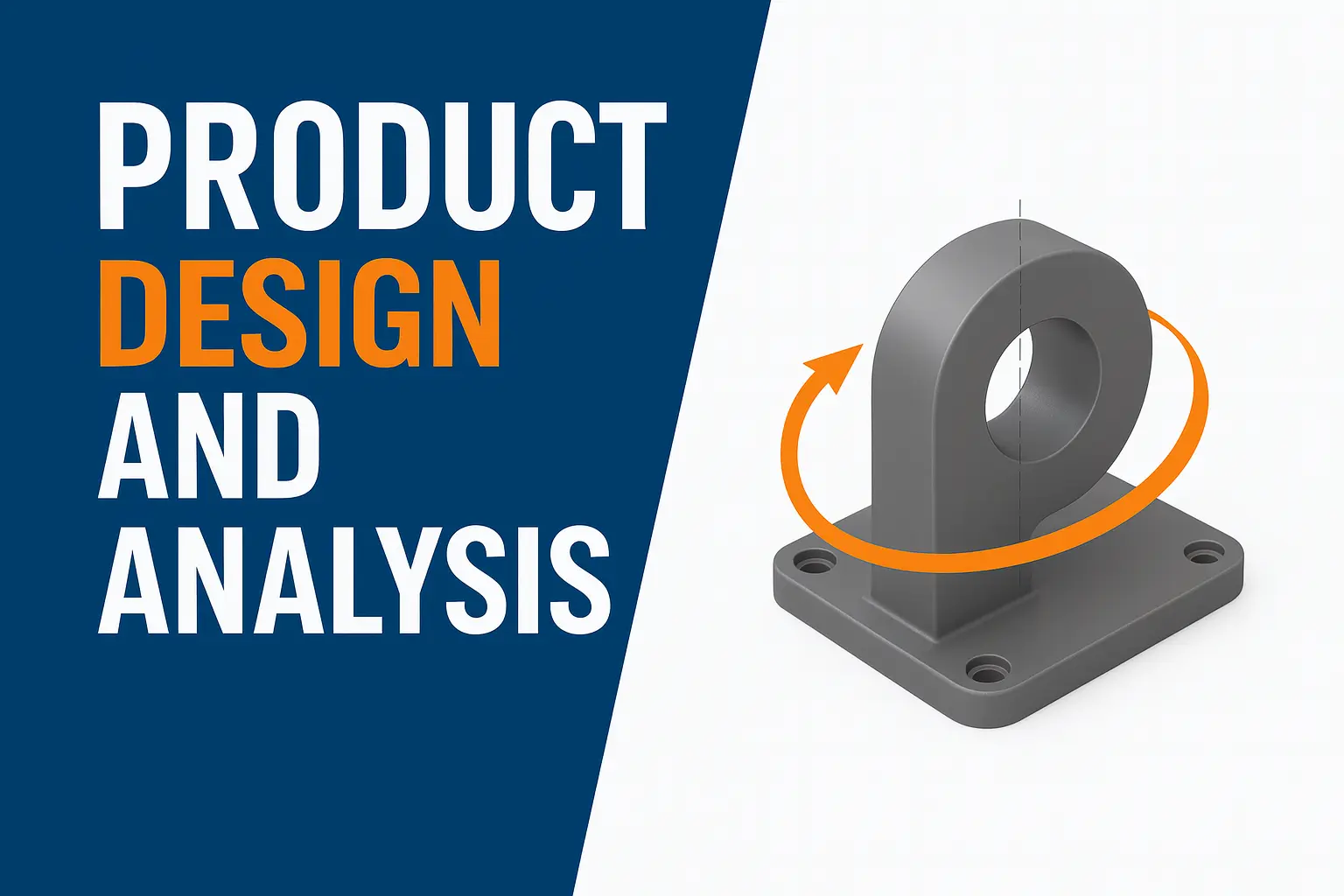
This course provides a comprehensive understanding of SolidWorks for 3D part and assembly modeling used in mechanical and industrial design. Students will learn how to design machine components, sheet metal parts, assemblies, mechanisms, detailed drawings, and rendering for presentations. The course enables students to create professional industrial designs as per manufacturing requirements.
Through hands-on project-based learning, candidates will gain expertise in parametric modeling, constraints, surface design, assembly mating, drawing sheets, GD&T basics, and simulation overview.
This course is ideal for mechanical engineers, diploma holders, CAD designers, and working professionals.
Show More
Course Syllabus
Module 1: Introduction to SolidWorks Interface
- Understanding workspace and tools
- Menu bar, feature manager design tree, command manager
- Setting units and document properties
- Importing and exporting files
🔹 Module 2: Sketching & 2D Fundamentals
- Sketch relations and dimensions
- Construction geometry
- Working on predefined planes
- Sketch constraints and modifications
🔹 Module 3: Part Modeling (3D Features)
- Extrude, Revolve, Sweep, Loft
- Fillet, Chamfer, Shell, Draft
- Hole wizard and patterns (linear & circular)
🔹 Module 4: 3D Advanced Modeling
- Advanced sweep and loft options
- Rib feature
- Split and mirror body
- Editing and repairing models
🔹 Module 5: Surface Modeling Basics
- Surface extrude, loft, sweep
- Knit surface and trim surface
- Surface-thicken and boundary surface
🔹 Module 6: Assembly Design
- Assembly interface
- Mating (Standard, Advanced & Mechanical)
- Sub-assembly creation
- Interference detection and collision check
🔹 Module 7: Sheet Metal Design
- Base flange, Edge flange
- Hem, Jog, Lofted Bend
- Flat pattern generation
🔹 Module 8: Weldments & Structural Design
- Weldment profiles
- Structural frame generation
- Cut list & bill of materials
🔹 Module 9: Drawing & Documentation
- Drawing views (orthographic, auxiliary, section)
- Dimensions, notes, GD&T basics
- Bill of materials (BOM)
- Title blocks and layout printing
🔹 Module 10: Simulation Overview (Intro)
- Basic static structural analysis
- Assigning materials
- Study results and reports
🔹 Module 11: Rendering & Visualization
- PhotoView 360 basics
- Realistic textures and appearances
- Lighting, scenes and cameras
🔹 Module 12: Final Project
Students will complete a project including:
✓ Designing a complex 3D component
✓ Creating assembly
✓ Producing 2D drawing sheet
✓ Rendering model image
 Bestseller